

PRODUCT DETAILS
SPECIFICATIONS
Brand Name: ZhdCookey
Certification: CE
Choice: yes
Connectivity: WiFi
Fit Door Thickness: 30-70mm
Handle Direction: Direction Reversible
High-concerned chemical: None
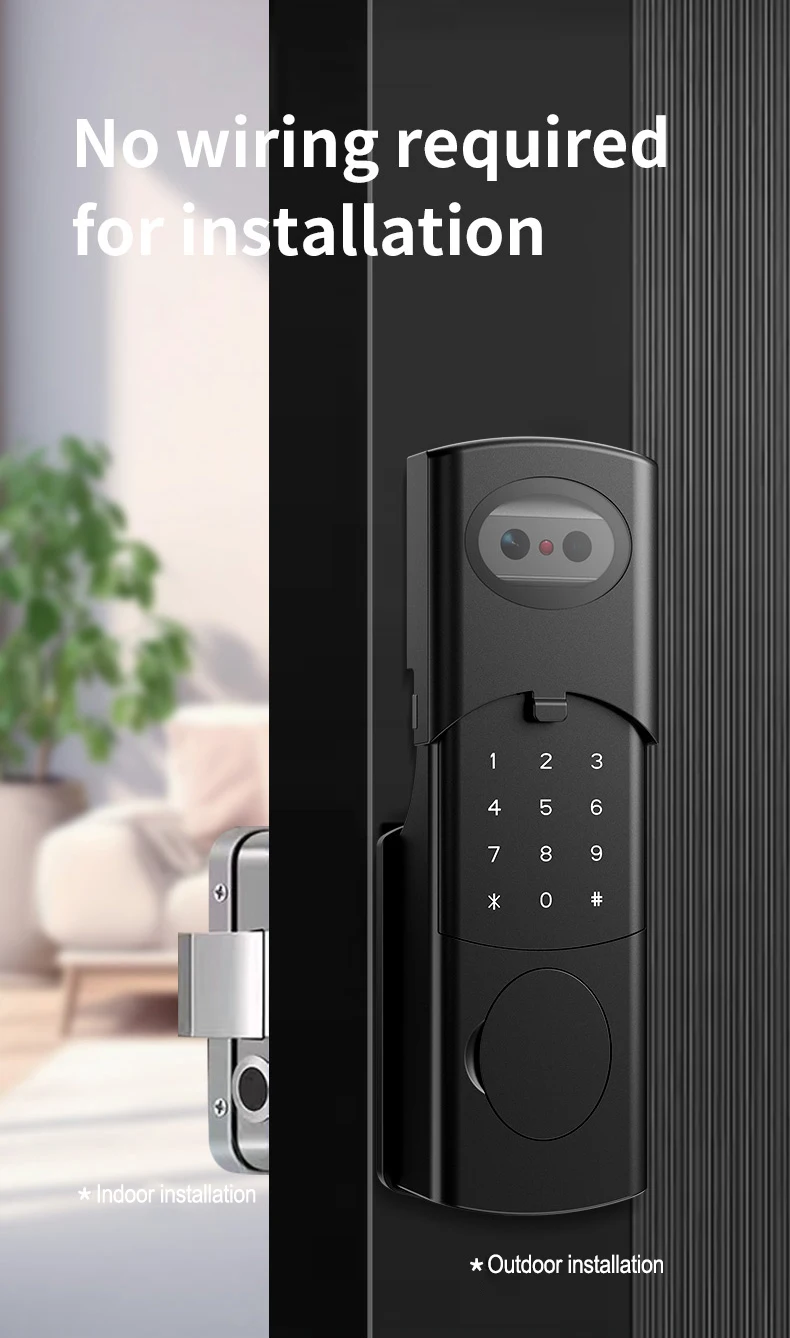
Installation Method: Punch-free installation
Model Number: ZHD-V8
Origin: Mainland China
Power Source: Built-in Rechargeable Battery
Power Supply: Built-in Rechargeable Battery
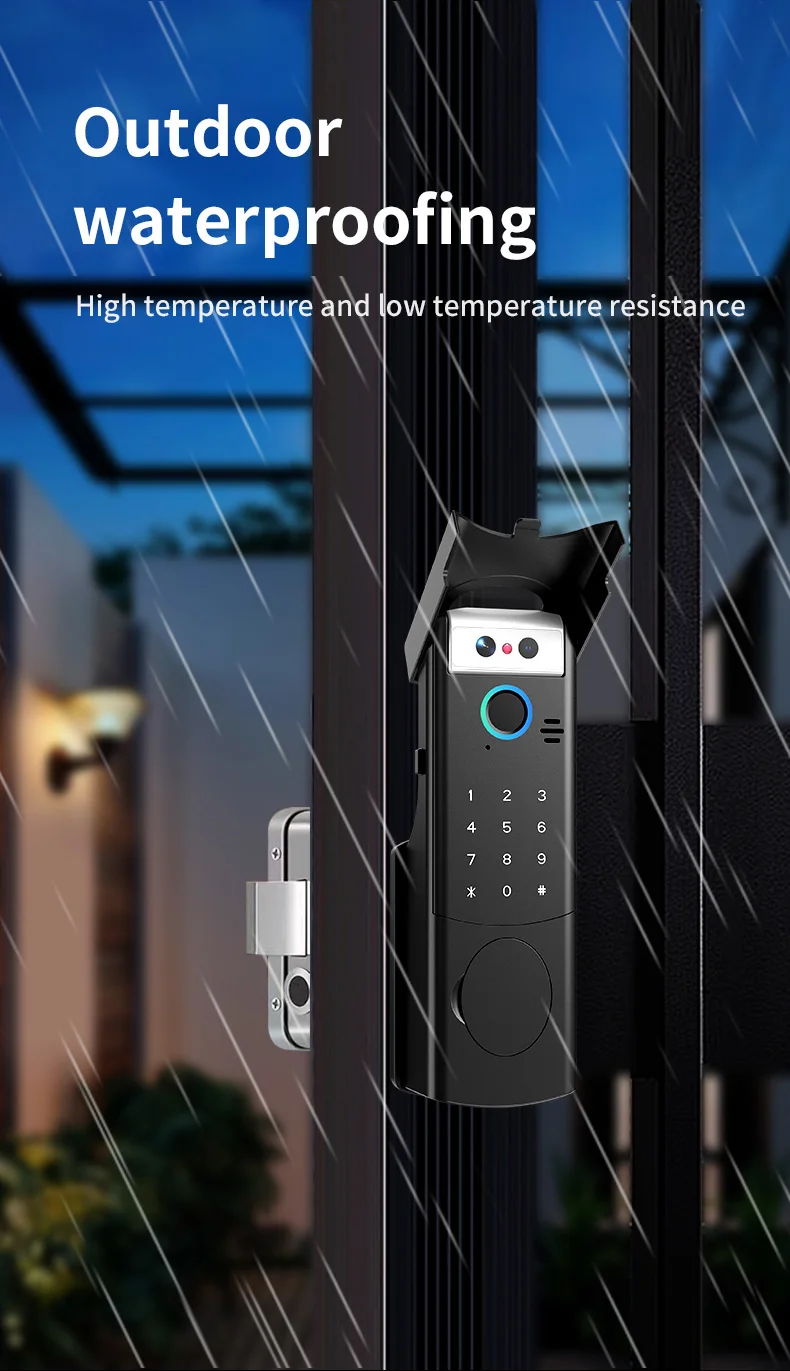
Protection Level: IP66
Smart home platform: Tuya
Special Features: Built-in Doorbell,Built-in Camera,Two-way Audio
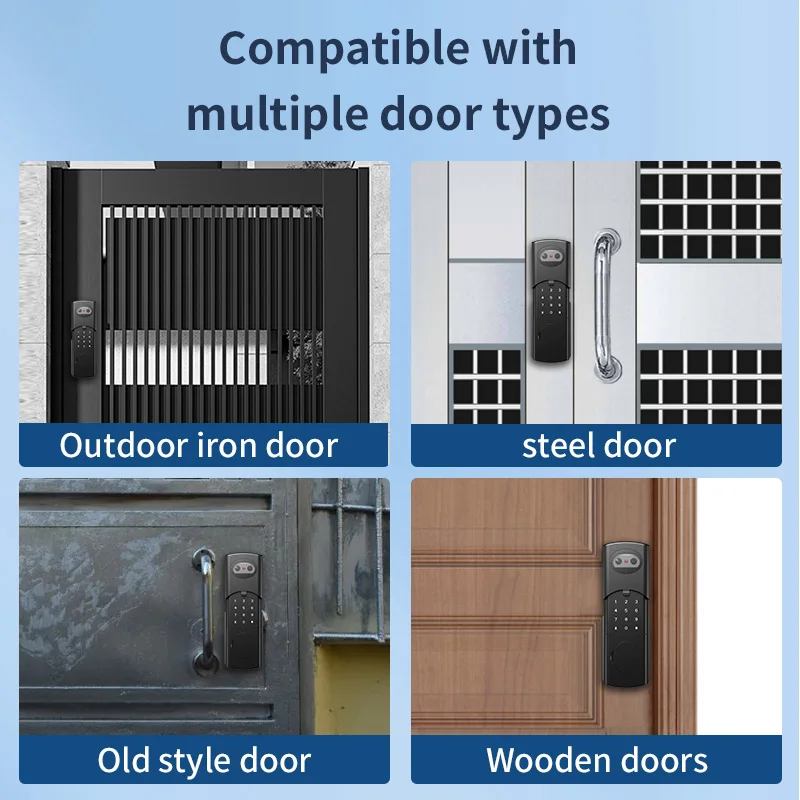
Suitable Door Type: Wooden Door,Steel Door,Brass Door,Stainless Stell Door,Other
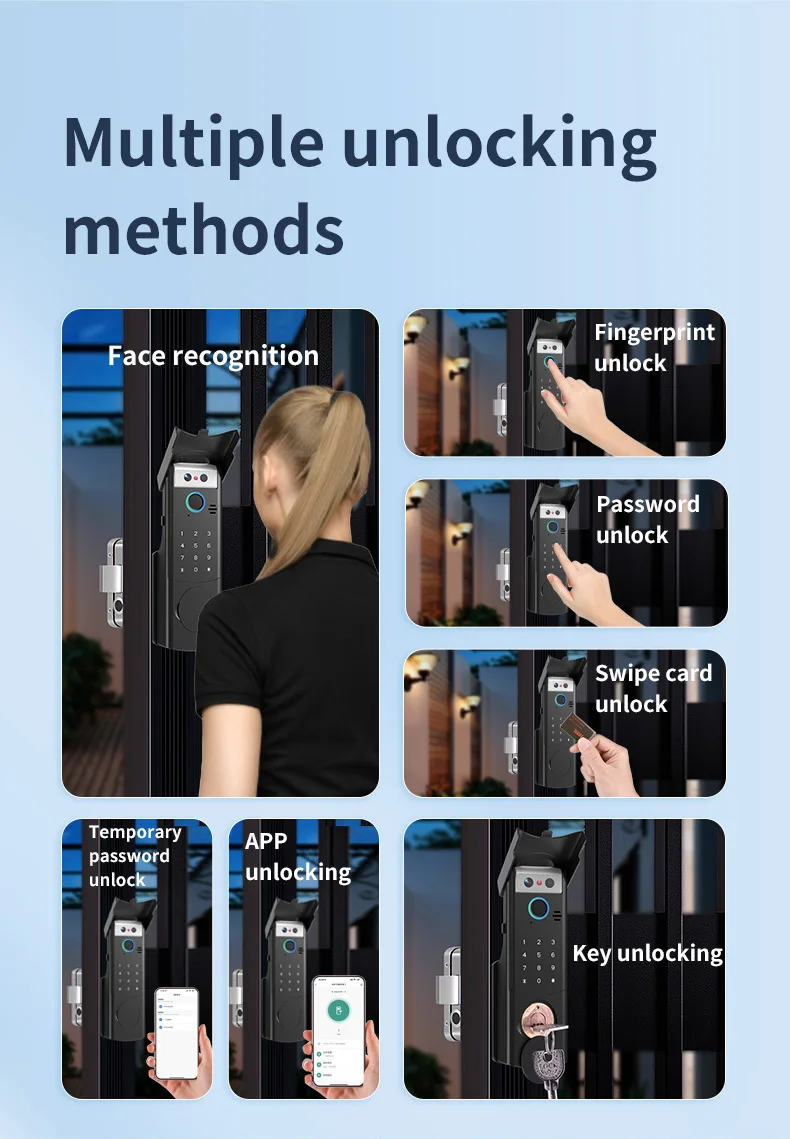
Ways To Unlock: Card,FINGERPRINT,Mechanical Keys,Password,App,Face Recognition,WiFi
Waterproof Intercom Face Recognition Tuya Wifi Fingerprint Code RFID Card Smart Lock with Doorbell/rechargable li-battery/keypad
Feature:
1. IP66 Outdoor Waterproof & Durable Build
Engineered for all weather conditions, its IP66 rating ensures reliable performance in rain, snow, or humidity for both exterior and interior doors.
2. 6-in-1 Intelligent Access
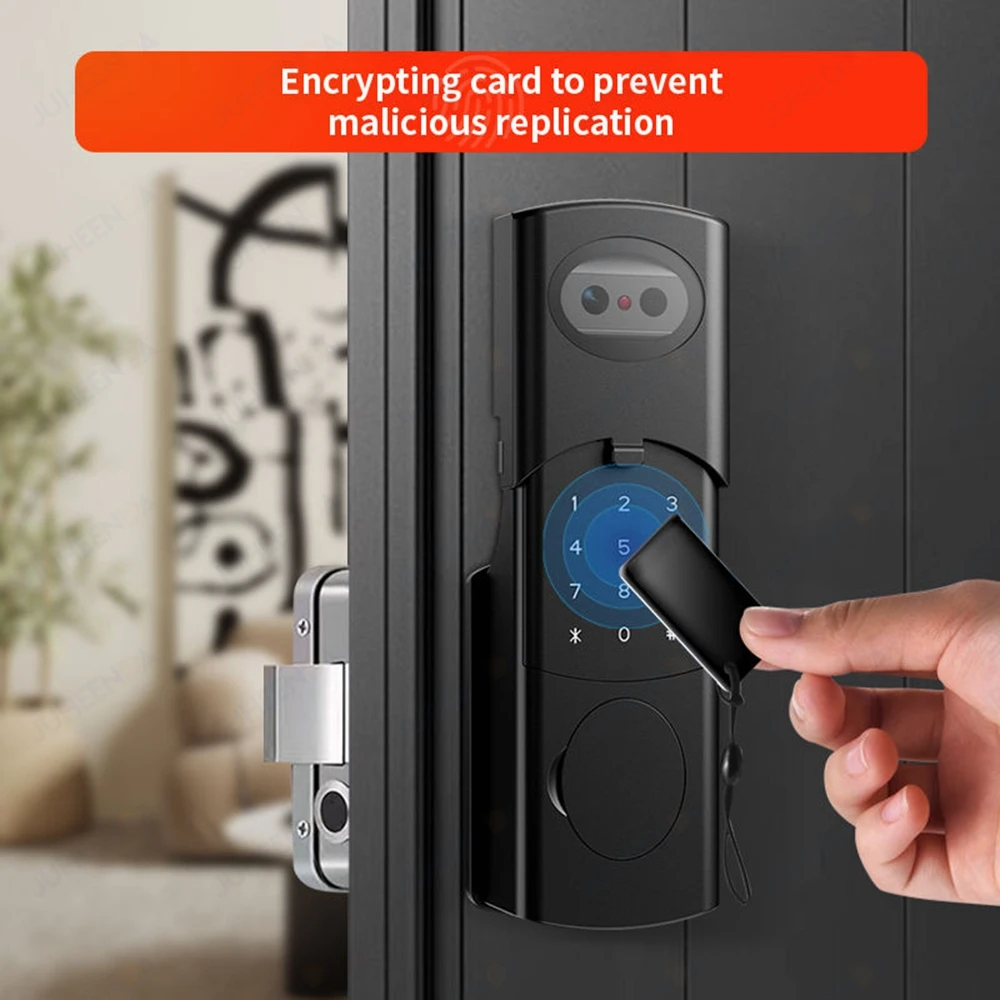
Unlock seamlessly via advanced 3D Face Recognition, Fingerprint, RFID Card, Password, Tuya App, or physical keys—flexibility for every user.
3. Real-Time Remote Intercom & Control
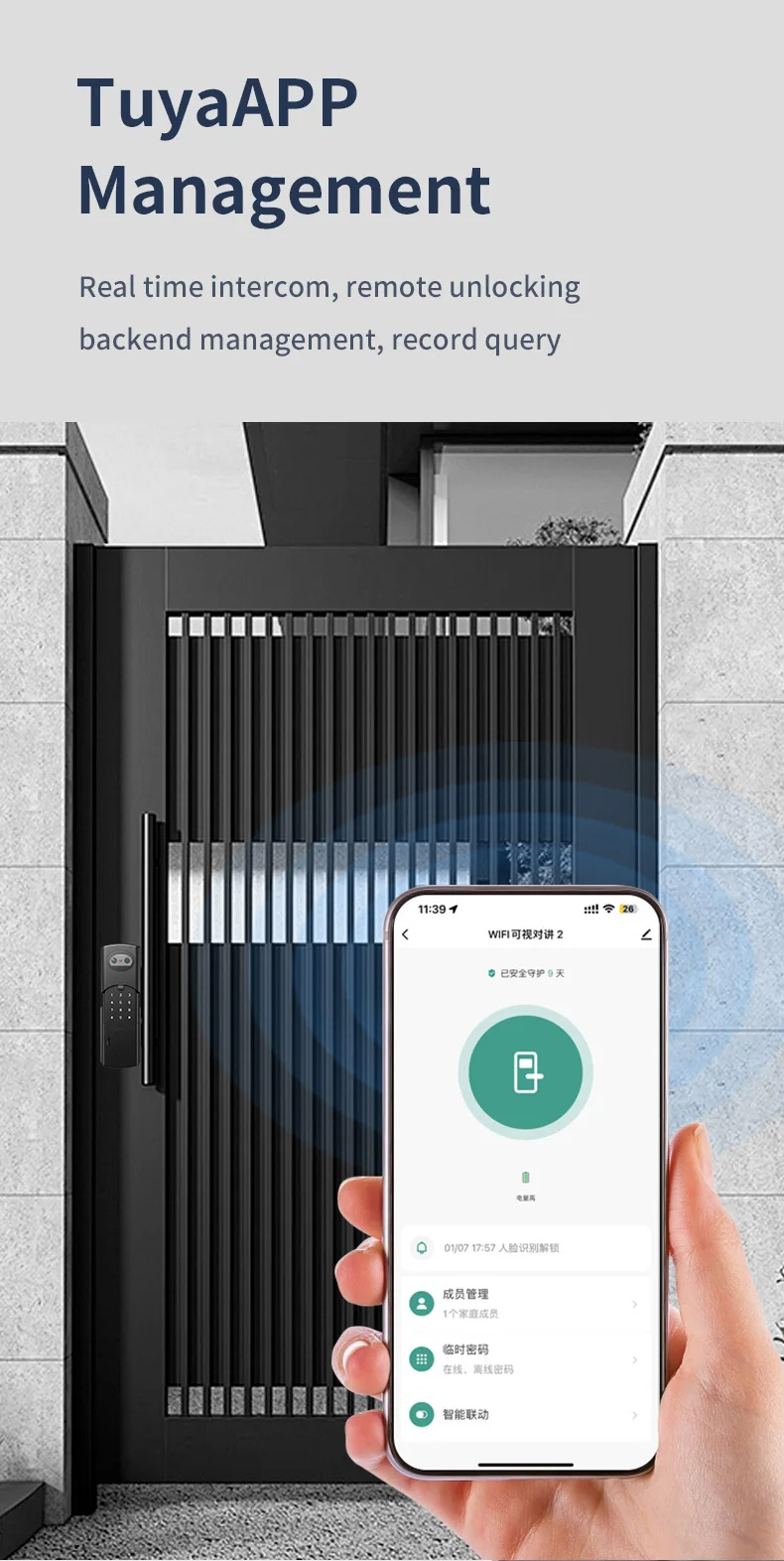
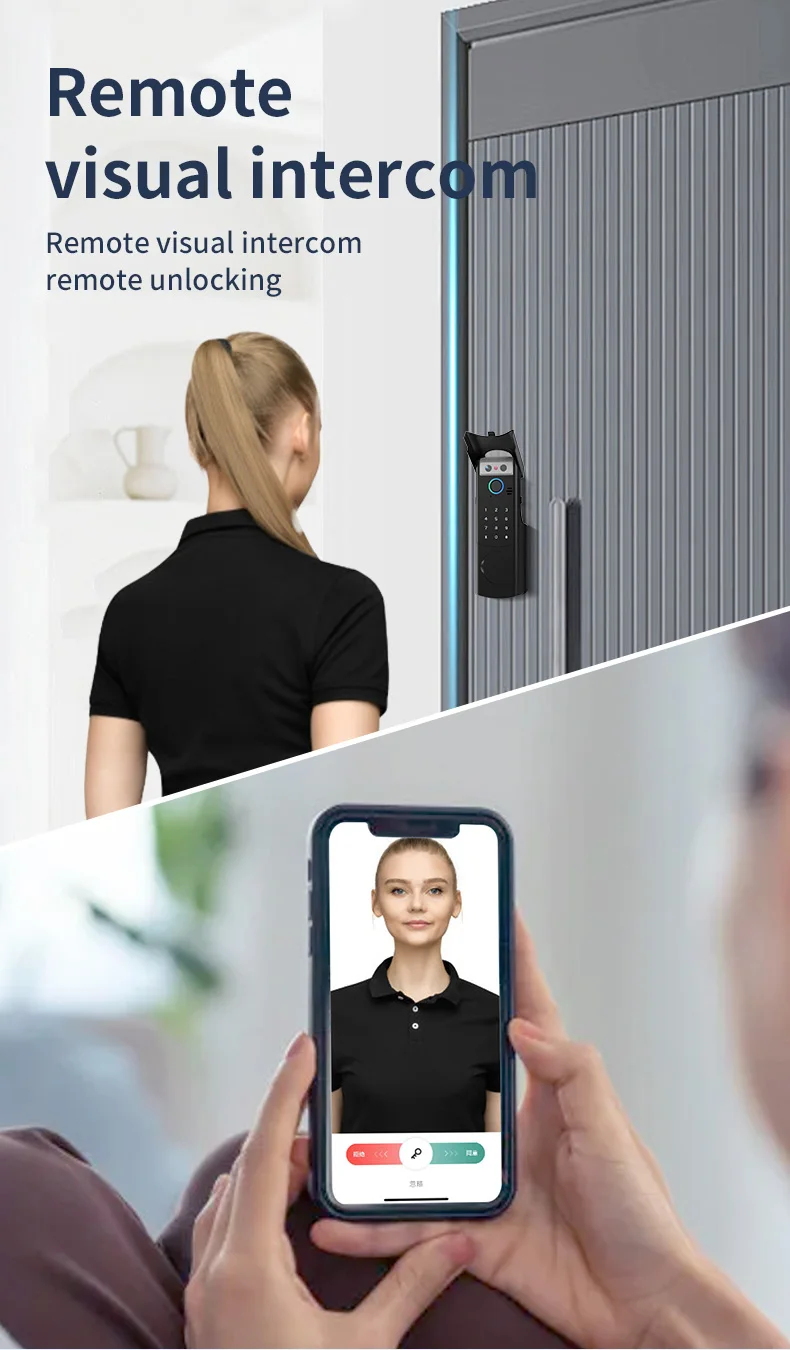
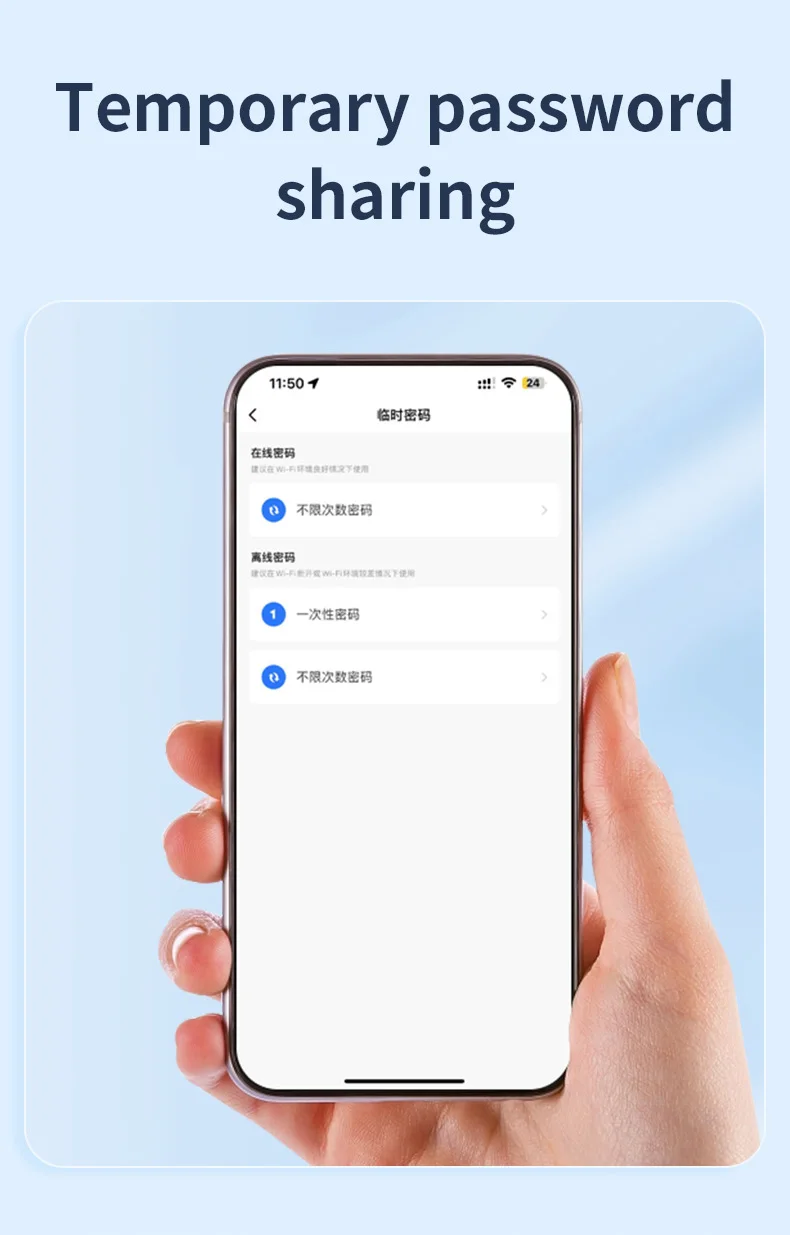
Answer visitors and grant access from anywhere via the Tuya Smart Life app's 2-way audio intercom, with live alerts and temporary passcode creation.
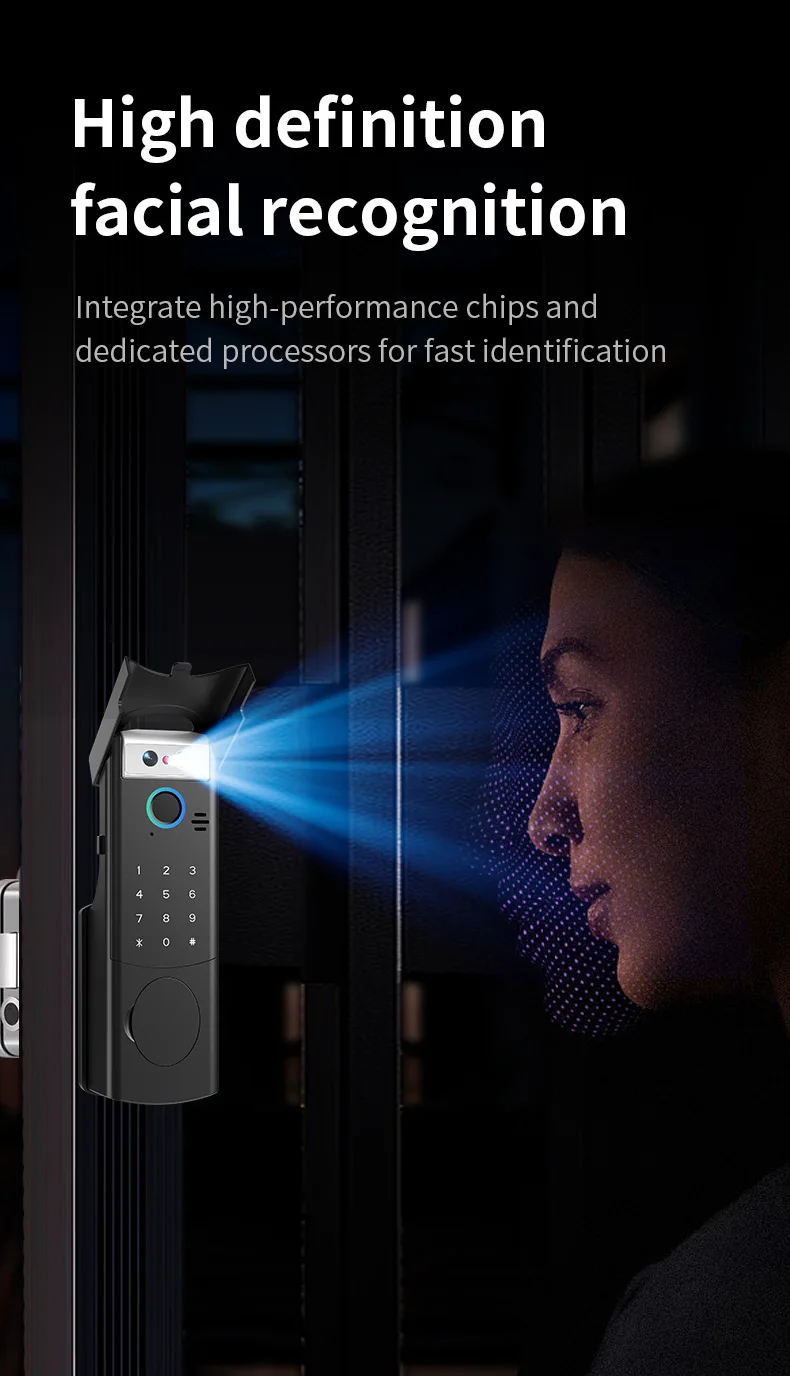
4. Military-Grade 3D Facial Security
Anti-spoofing 3D facial recognition instantly verifies identity using depth mapping, rejecting photos or masks for enhanced theft prevention.
5. Smart Life Ecosystem Integration
Monitor entry logs, receive tamper alerts, manage user permissions, and automate home routines through the Tuya ecosystem.
Material: Aluminum Alloy and Stainless Steel
Available color: Black/Silver
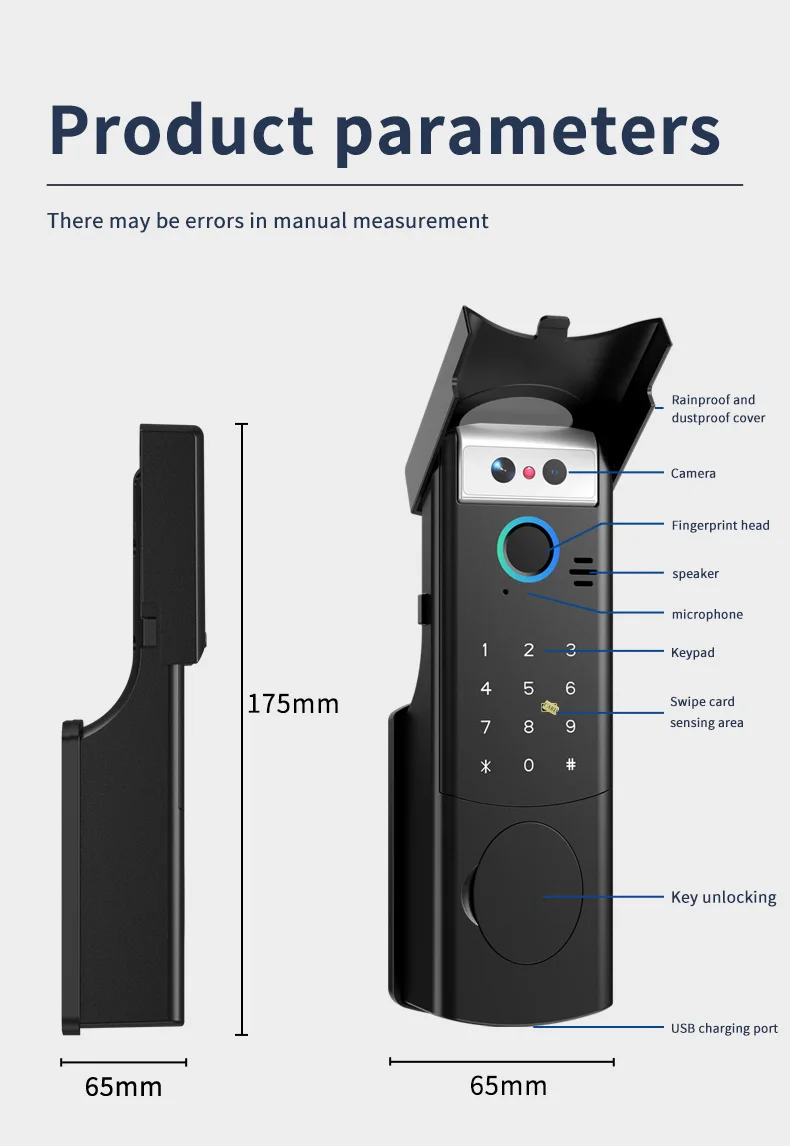
Panel Sizes: Front Shell: 175 x 65 x 65mm 0r Shell: 131 x 100 x 44mm
Unlock modes: Face Recognition/ Fingerprint /Password /RFID Card / APP/ Mechanical Key
Supported app name: Tuya app, Smart life app
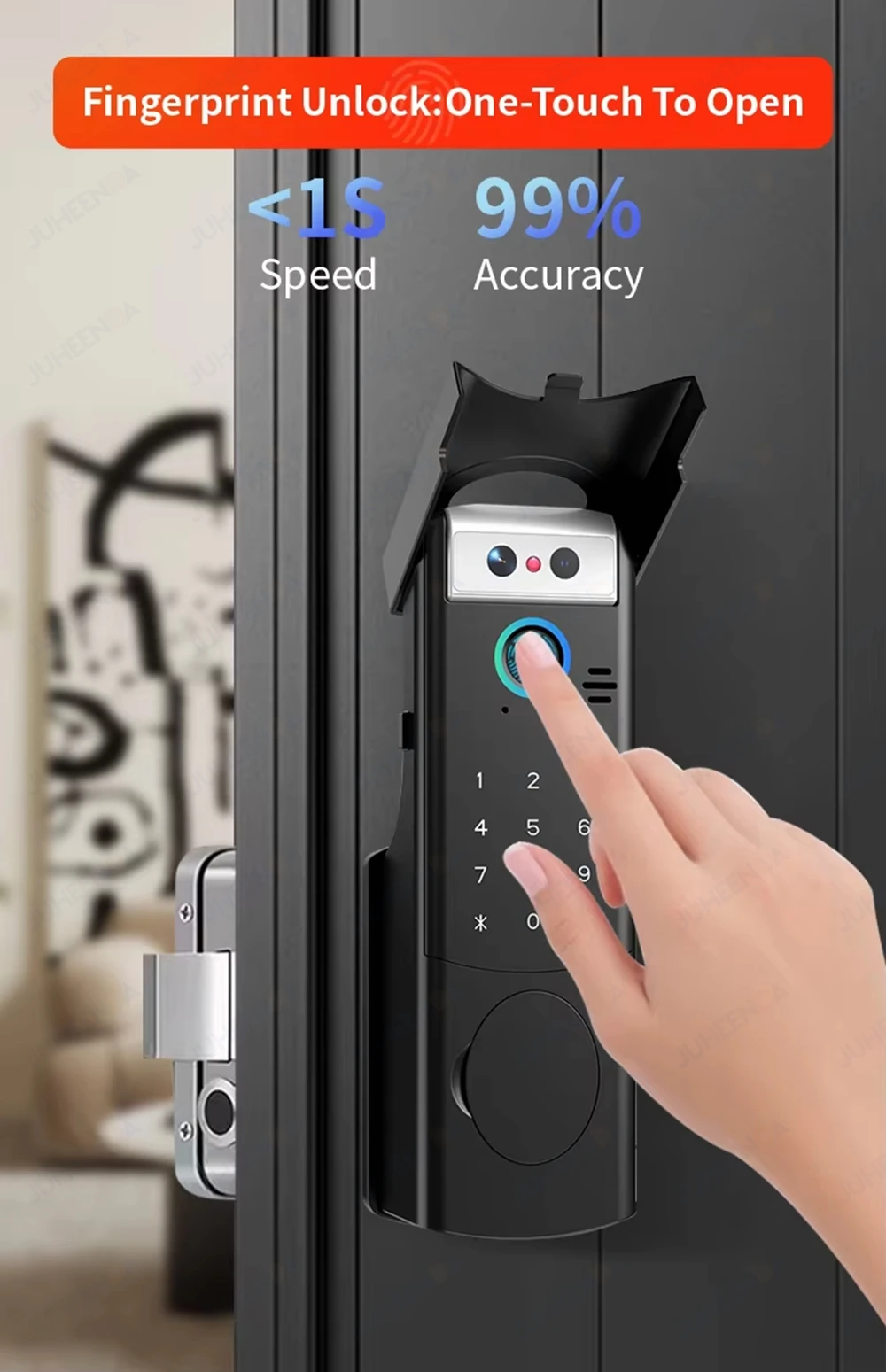
Fingerprint recognition time: 0.25S
Fingerprint Capacity: 100pcs
Password and Card Capacity: 150pcs
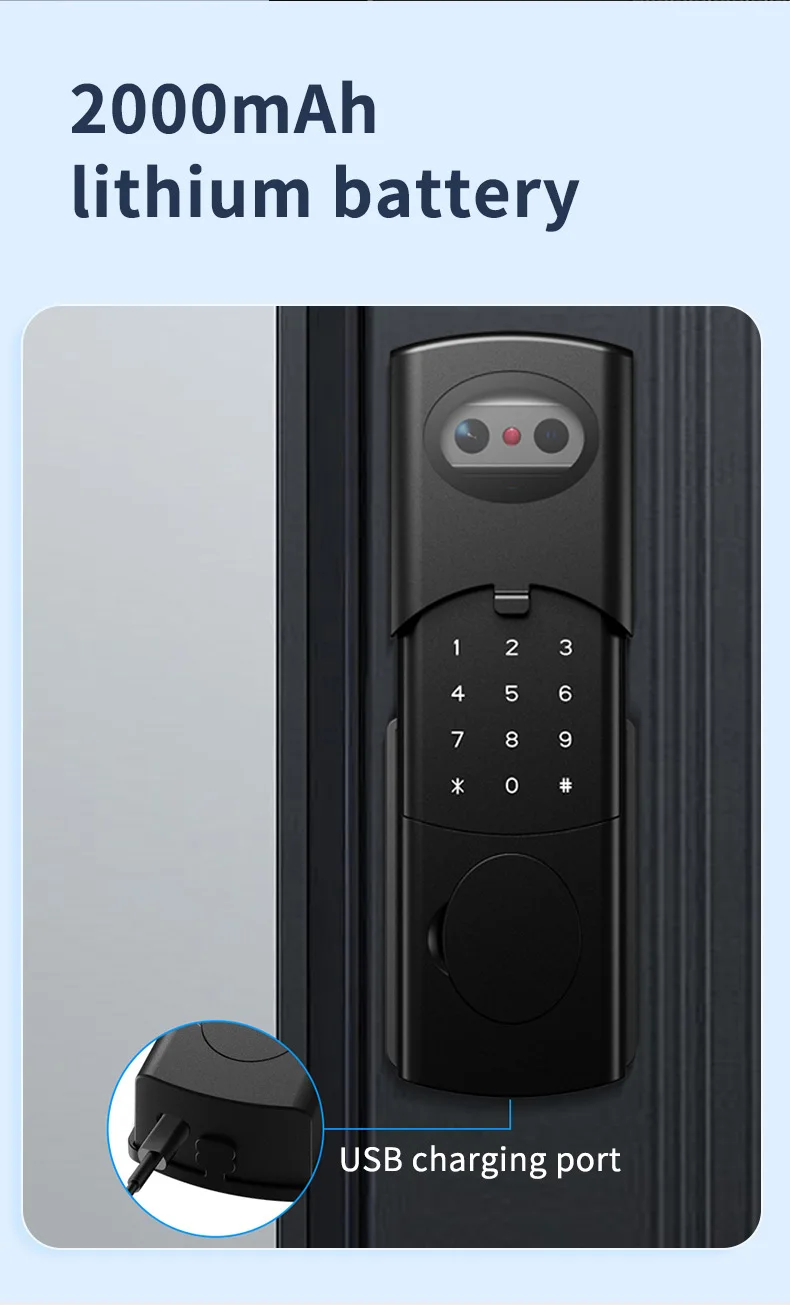
Power supply: Rechargeable lithium battery 2000mAh(include)
Operating voltage:4.5 V–9 V
TUYA 2.4 GHz WiFi
Operating temperature: -25 to 55 Centigrade
Suitable door thickness: 30-70mm(Wooden door, Steel door, Iron door, other metal doors)
Emergency Charging: 1x Type C USB port
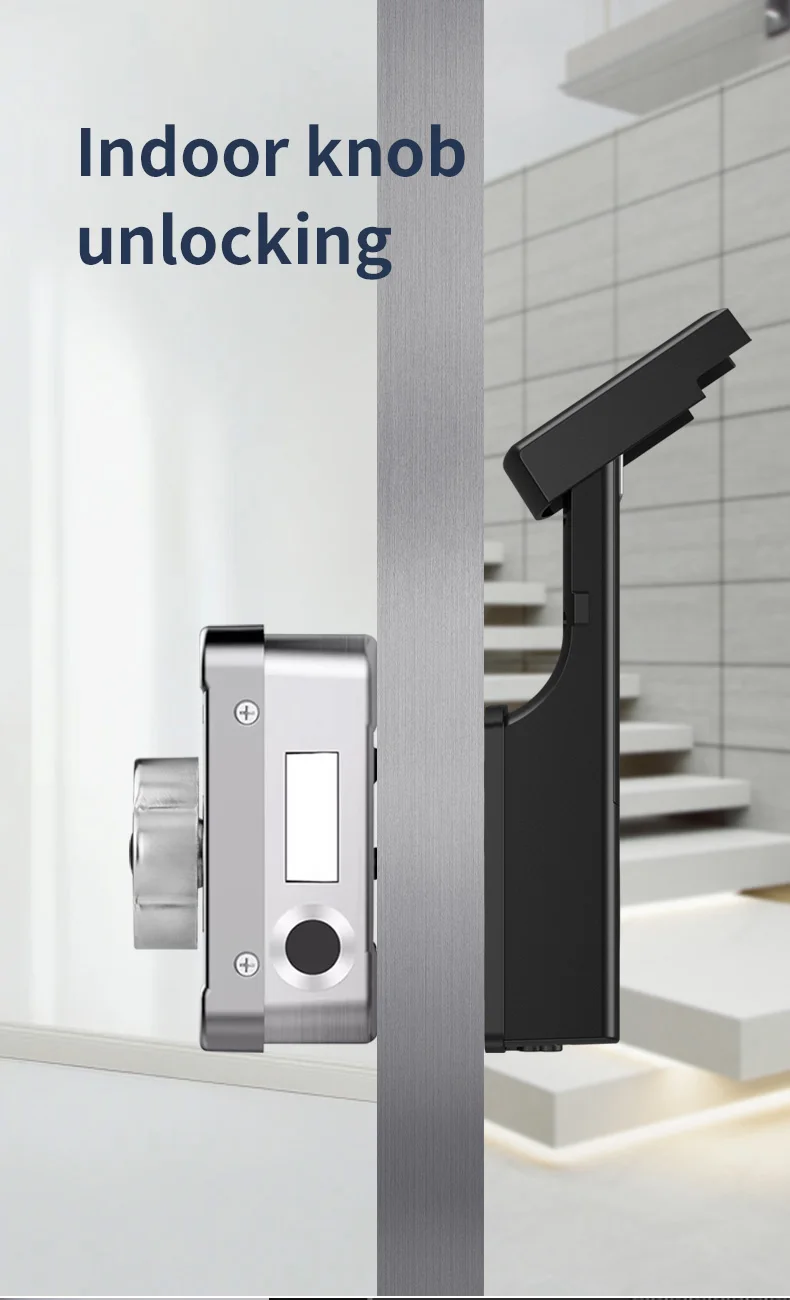
Emergency Unlock:Mechanical Key
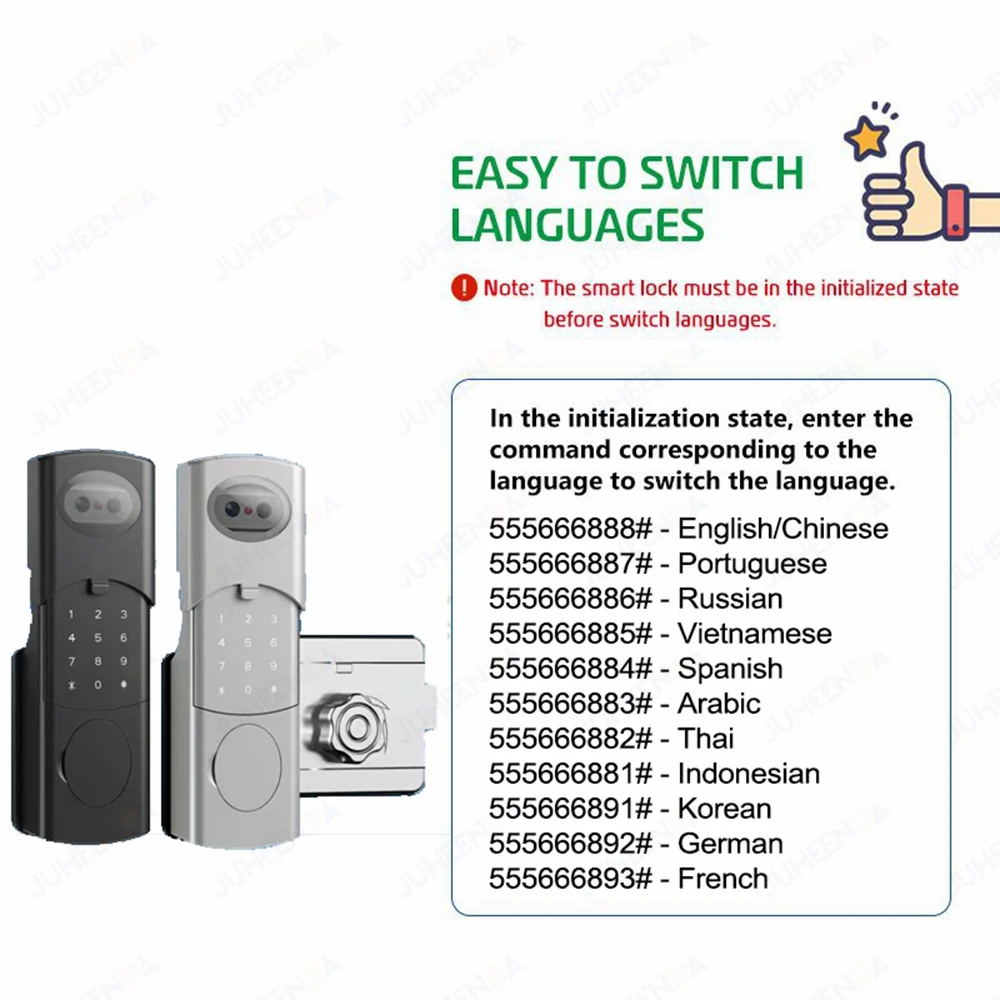
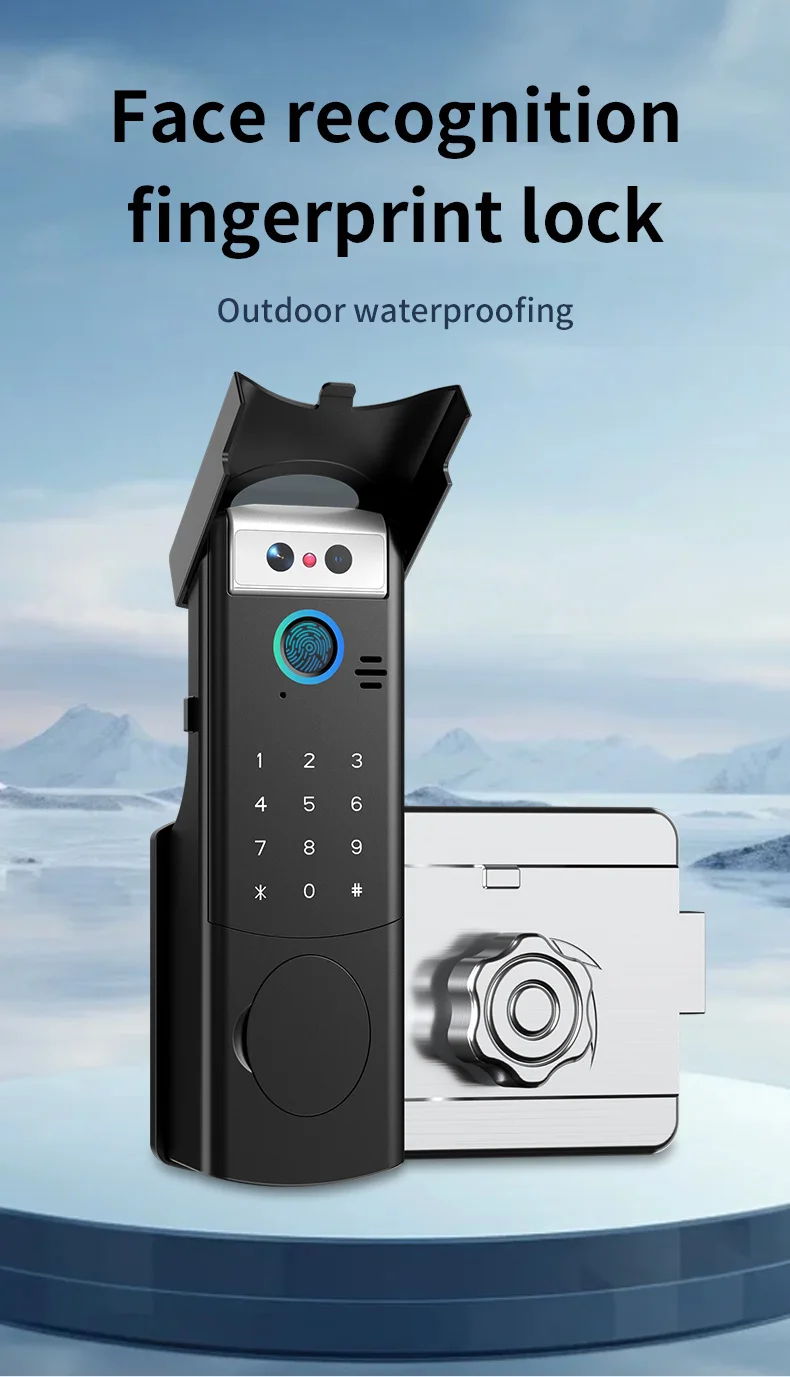
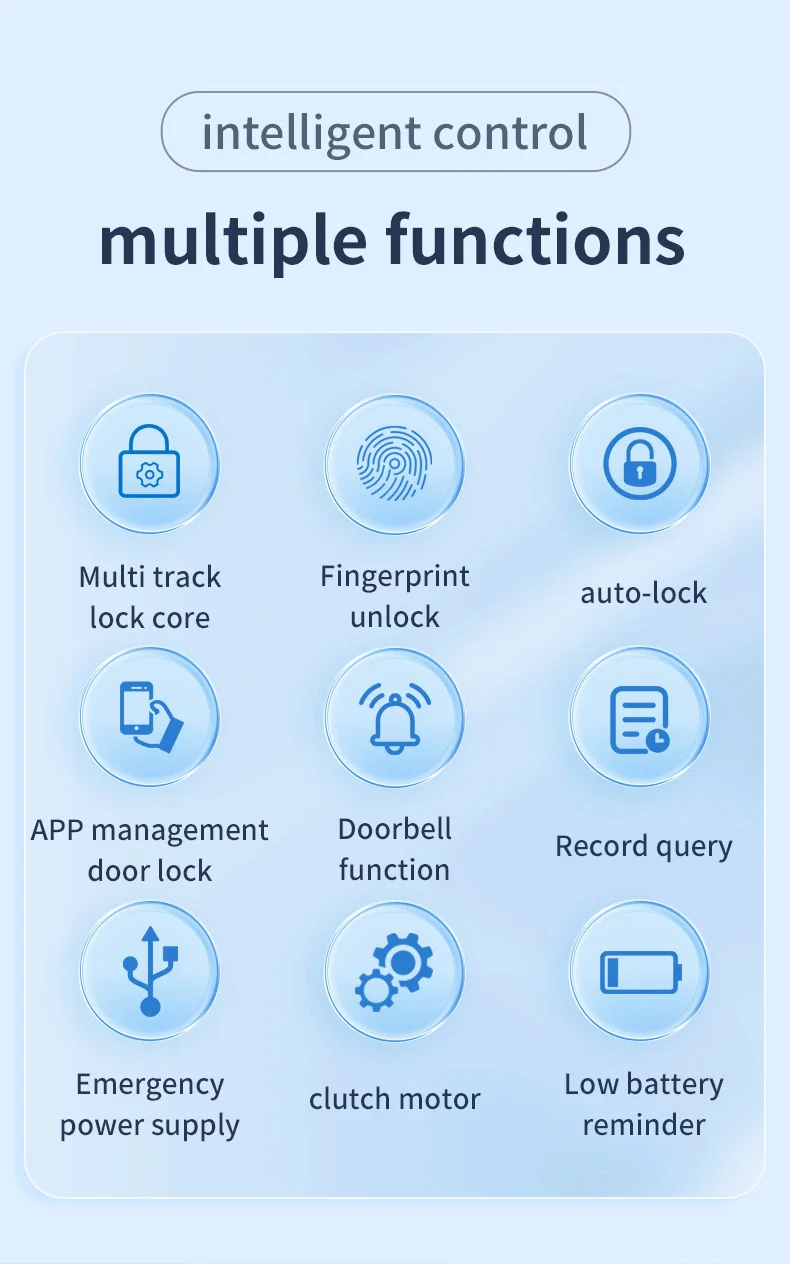
The smart door lock supports Face recognition/ fingerprint/password/IC card/mechanical key/
App multiple unlocking methods.
Tuya App Functions:
Works via WIFI, no gateway required;
Remote unlocking needs to be triggered (#);
Dynamic password, one-click generation in the application;
Temporary password, free to adjust the effective use time range, no time limit;
Information records, you can freely query the use records of door locks;
Information reminder, automatically notify the mobile phone when the door lock is in use;
Universal in all regions of the world, even if you lock the door at home, in other cities/countries,
you can still use these functions if the door lock is connected to WIFI;


This smart lock can be installed on both the left and right doors regardless of direction. The indoor keyboard can be
disassembled to adjust the direction. It is common for both sides.
Door thickness compatibility:30 mm–70mm
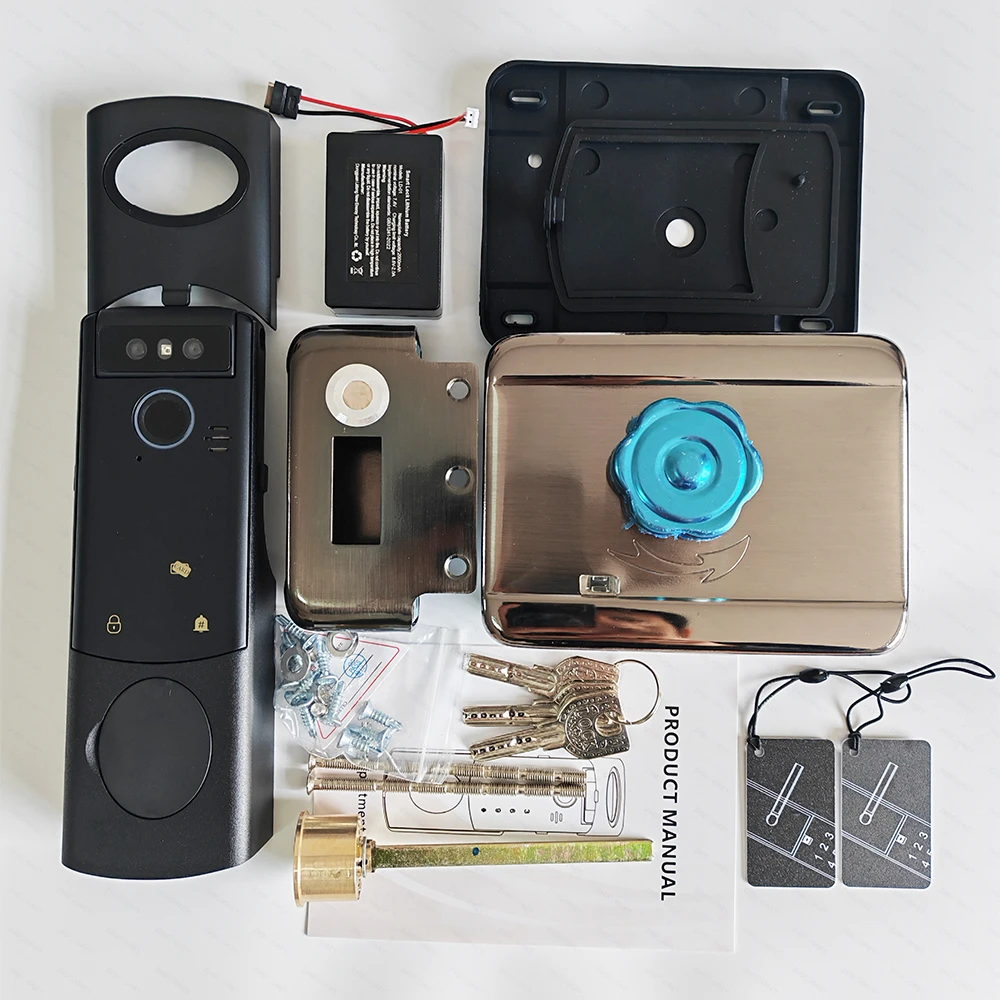
Package including:
1x front lock panel
1x rear lock panel
1 x lock mortise
2 x RFID cards
1 x screws kits
3 x mechanical keys
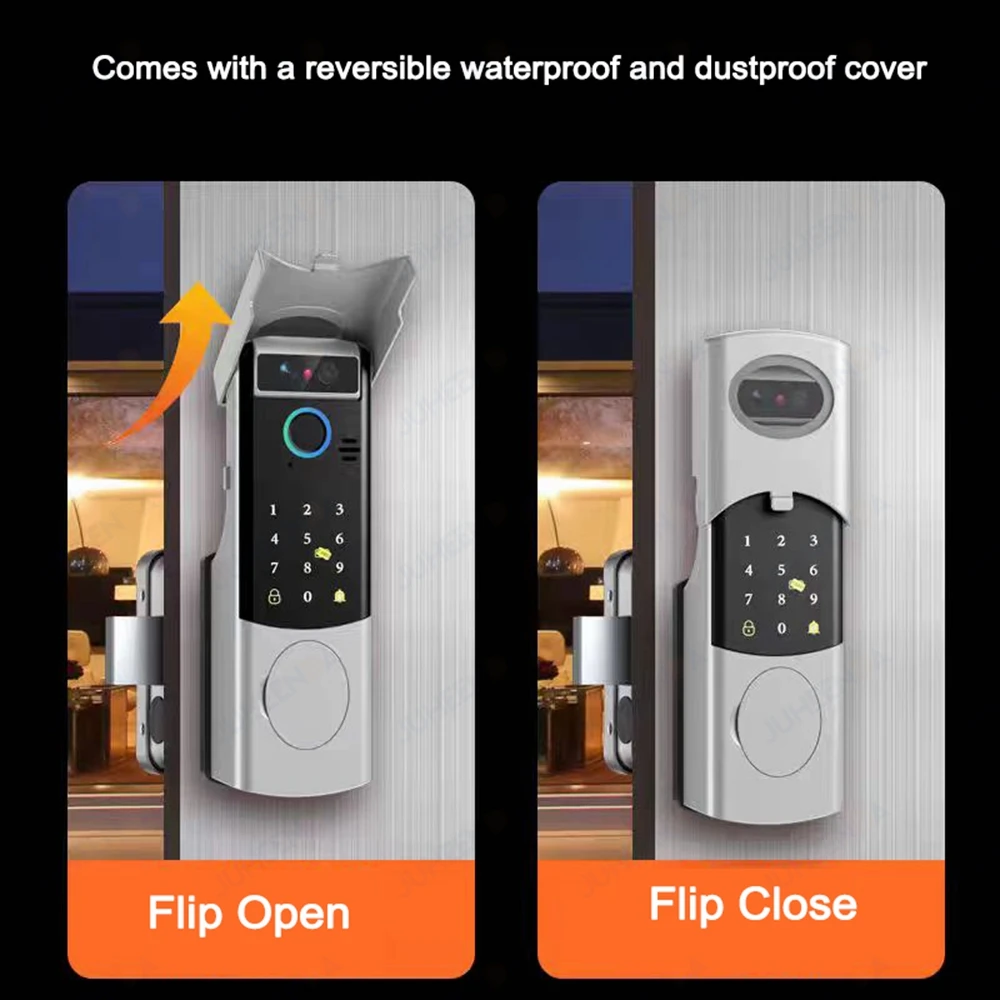
1x waterproof mask
2x waterproof silicone pad
1 x user manual
FAQ(Frequently Asked Question):
Q1. How to connect to Tuya WiFi via mobile phone?
A: 1) Connect the cables;
2) Set a new administrator password;
3) Connect to 2.4GHz WiFi. If only a mobile phone is available, try creating a hotspot.
Add the device in the Tuya app.
Please refer to the video above the product details.
Q2. How does video intercom work?
A: After connecting all cables and powering on the device, and successfully linking it to the Tuya or Smartlife app, when a user presses the doorbell button,
the administrator can see the visitor on their smartphone and engage in video and voice intercom with them.
Q3. How many IC cards, fingerprints, faces, and passwords can I add?
How do I add a face, fingerprint, password, and IC card?
A: You can add 100 IC cards, 100 fingerprints, 50 faces, and 50 passwords (Total: 300 entries).
Please refer to the video above the product details.(Note:the face recognition need to press "#" firstly)
Q4. How do I charge a lithium battery? How long does it last after a full charge?
A: Take out the lithium battery or the cable, connect it to a Type-C cable and a charger (5V/1-3A) or power bank.
about 10-12 moths.
Q5. How do I change the language?
A: Please refer to the details section or the instruction on how to change the language.
Q6. How to restore factory settings?
A: Press the Reset button on the mainboard for 6 seconds until the voice prompt “initialization successful” is heard.
Please refer to the video at the link: https://video.aliexpress-media.com/seller/play/5000427398326.mp4
Q7. Can the knob model be directly replaced with the inner fingerprint keyboard model?
How can fingerprint and IC card functionality be added to the inner keyboard?
A: No direct replacement is possible;
Enter method: * # Enter menu - User Management - Add User
- Add Management User/Ordinary User. When the fingerprint light
is on, press the finger 5 times, and the fingerprint aperture is
green, the input will be successful. After the card is close to the
aperture indicator flashes, the card is successfully entered. After
the input is completed, press the * key to return!
Please refer to the video at the link: https://video.aliexpress-media.com/seller/play/5000410908362.mp4
Q8. How to install the lock?
A:Please refer to the video at the link: https://video.aliexpress-media.com/seller/play/5000427400172.mp4
REVIEWS
SHIPPING & RETURNS
Returns Policy
Lorem ipsum dolor sit amet, consectetur adipiscing elit. Fusce eros justo, accumsan non dui sit amet. Phasellus semper volutpat mi sed imperdiet. Ut odio lectus, vulputate non ex non, mattis sollicitudin purus. Mauris consequat justo a enim interdum, in consequat dolor accumsan. Nulla iaculis diam purus, ut vehicula leo efficitur at.
Interdum et malesuada fames ac ante ipsum primis in faucibus. In blandit nunc enim, sit amet pharetra erat aliquet ac.
Shipping
Pellentesque ultrices ut sem sit amet lacinia. Sed nisi dui, ultrices ut turpis pulvinar. Sed fringilla ex eget lorem consectetur, consectetur blandit lacus varius. Duis vel scelerisque elit, et vestibulum metus. Integer sit amet tincidunt tortor. Ut lacinia ullamcorper massa, a fermentum arcu vehicula ut. Ut efficitur faucibus dui Nullam tristique dolor eget turpis consequat varius. Quisque a interdum augue. Nam ut nibh mauris.
CUSTOM TABS
Recently Viewed Products
You can stop autoplay, increase/decrease aniamtion speed and number of grid to show and products from store admin.
 Tuya WiFi Temperature Humid...